Skip to content

From artwork to a stencil reference.

Find the lines in your idea. Turn an image into a black-and-white draft, compare treatments and bring a clearer starting point to your tattoo artist.

No account or upload needed. Processing happens in your browser; your image stays on your device.

Your black-and-white reference

Local to this browser

Turn your artwork into a starting point.

Choose a clear design or drawing. Compare the original with your black-and-white reference.

Outline finds contrast edges; threshold keeps dark areas. Fine shading, texture and photographs may need cleanup by hand.

JPG, PNG or WebP · up to 10 MB / 20 MP

2. Choose a treatment
160

Move right for more detail; left for fewer edges.

A raster reference, not a transfer-ready or needle-ready stencil. A tattoo artist should redraw, size and check every line before use. Export size is capped at 1,600 px on the longest side.

Choose the treatment for your artwork.

  1. Outline for clear edges

    Finds contrast changes in a drawing or image. Increase line detail slowly to avoid keeping background texture.

  2. Threshold for dark shapes

    Keeps pixels below your chosen brightness as black. Useful for bold artwork, but shaded areas may become solid blocks.

  3. Refine with your artist

    Ask an artist to simplify, redraw and size the reference. This draft cannot decide which marks are suitable to tattoo.

A line drawing does not prove a cover-up will work: the shaded areas and existing ink matter too. Explore cover-up ideas, read how to plan a cover-up, or try your design’s placement before your appointment.

A cover-up concept before the linework.

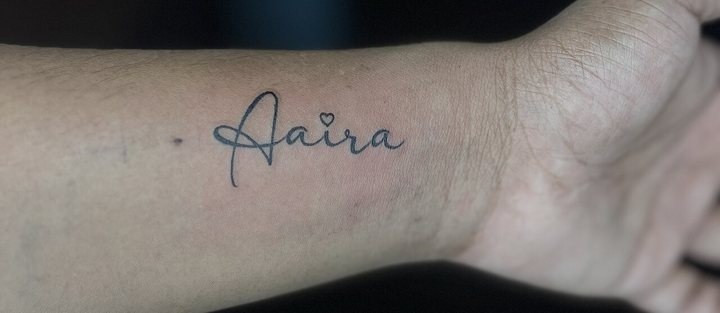
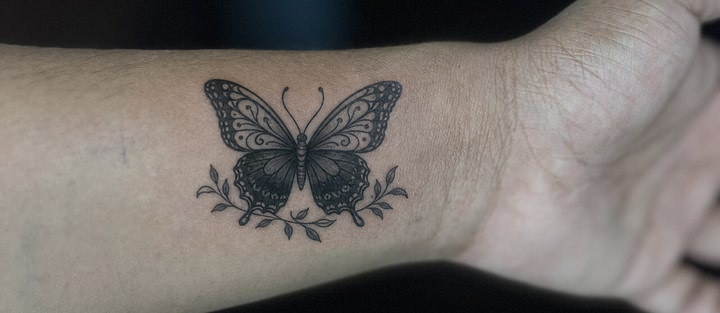
This example pairs a licensed source photograph with a cover-up concept generated separately through APIPod. The stencil tool above converts your own artwork into a local black-and-white reference. It does not generate this AI concept; concept generation is available separately in the Cover-Up Studio under its own plan and credit limits.

Tattoo stencil maker questions

How do I turn a picture into a tattoo stencil reference?

Choose a JPG, PNG or WebP image, select Outline or Threshold, and adjust the detail slider. Outline detects contrast edges; Threshold turns darker pixels black. Download a PNG and ask your tattoo artist to refine the lines and size.

Can I use the PNG directly as a tattoo transfer?

Treat the PNG as a draft reference. It is a raster image, not a vector drawing or a transfer-ready stencil. A tattoo artist should redraw unclear lines, remove unwanted detail, confirm dimensions and prepare their own transfer.

What images work best?

Clean drawings and artwork with clear edges work best. Photographs, heavy shading and textured backgrounds can create unwanted lines or filled areas. Try both treatments and simplify the artwork before exporting if needed.

Does this tool upload my image or use AI credits?

No. Image processing runs in your browser tab without an AI model, account or credit use. The working image is not uploaded or saved to your account. Clear the image or close the tab when finished; downloaded files remain on your device.